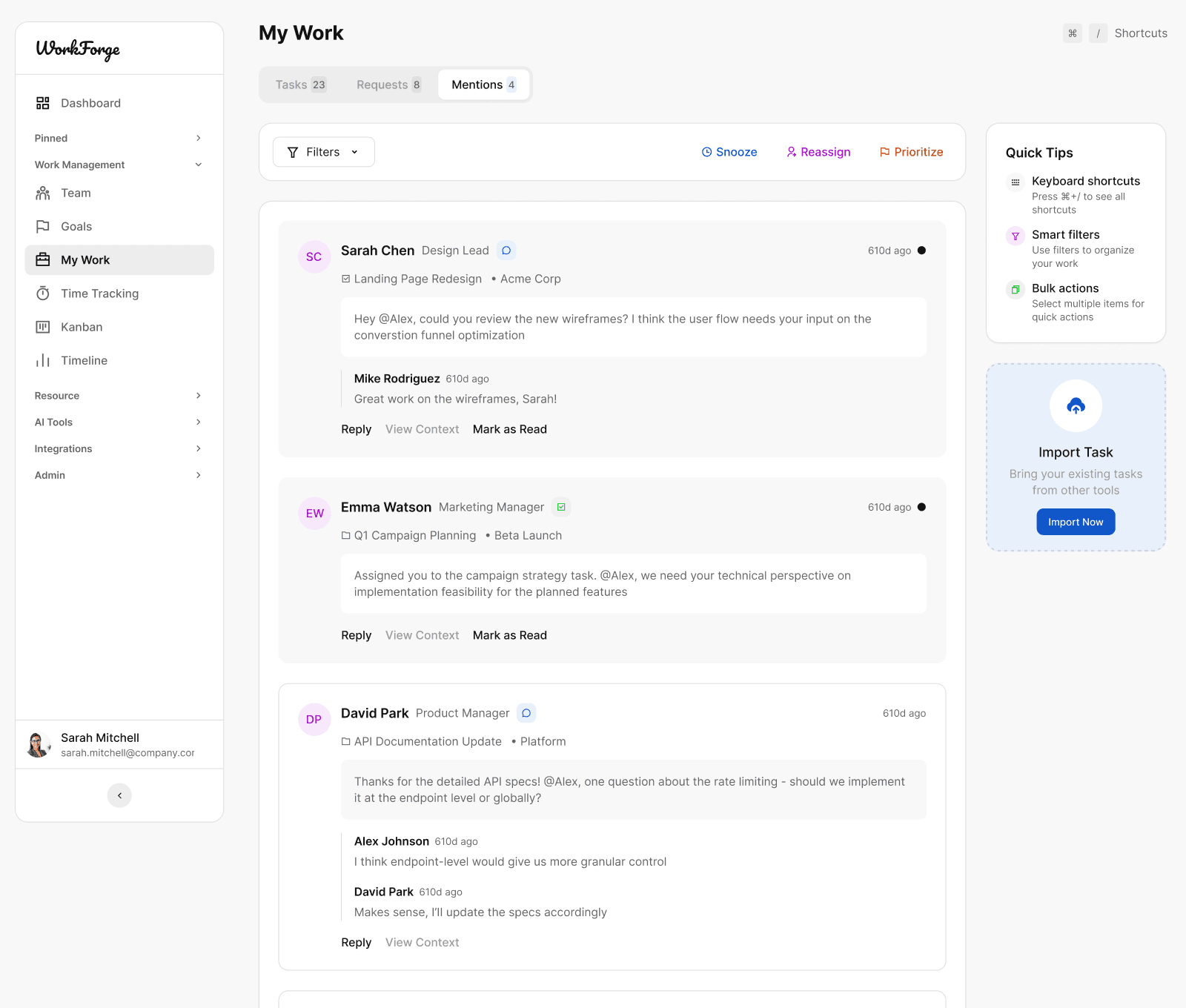
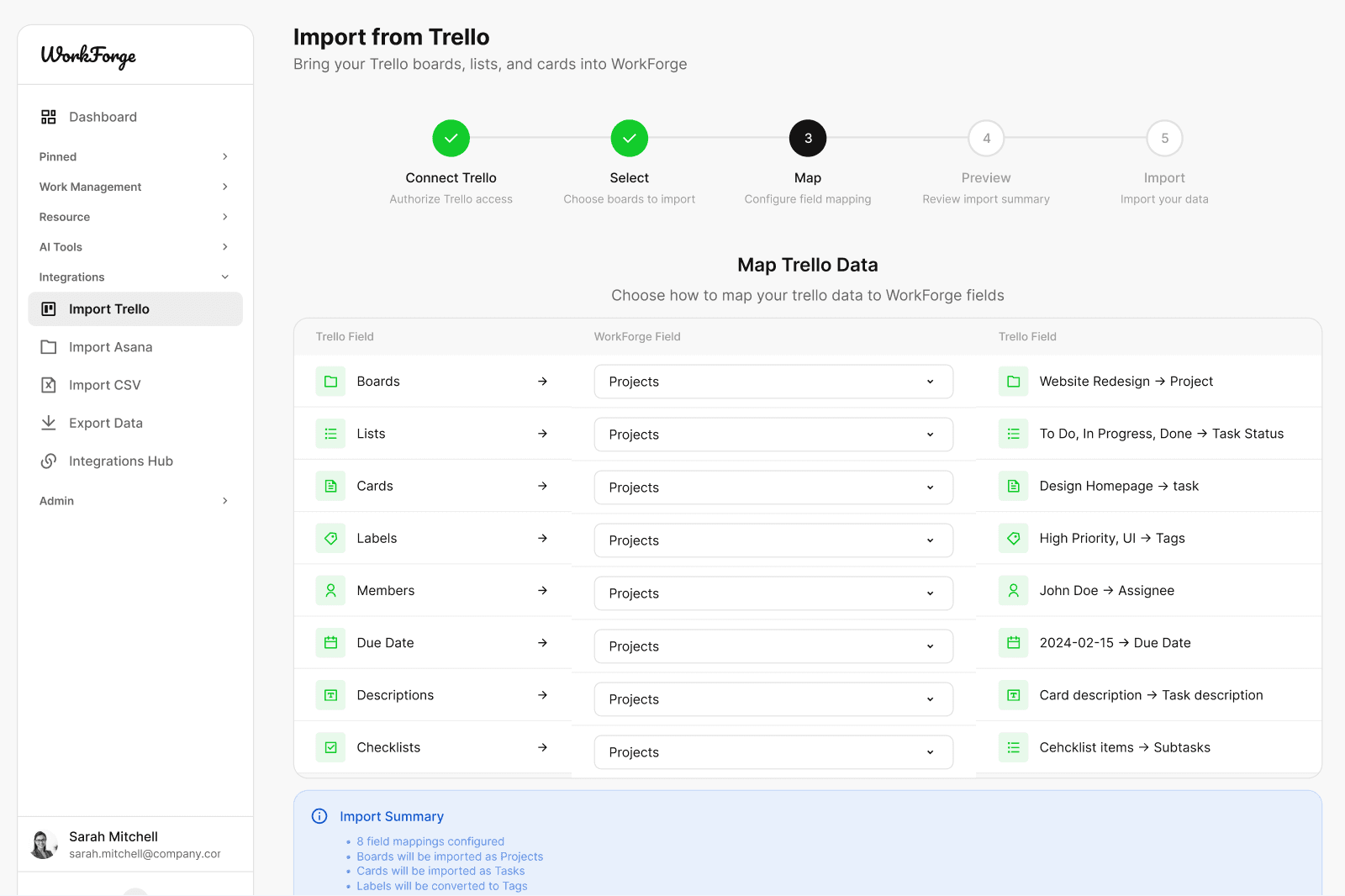
Made for Figma. Built for real product interfaces.

6,000+ UI Icon Variants for Modern Product Interfaces

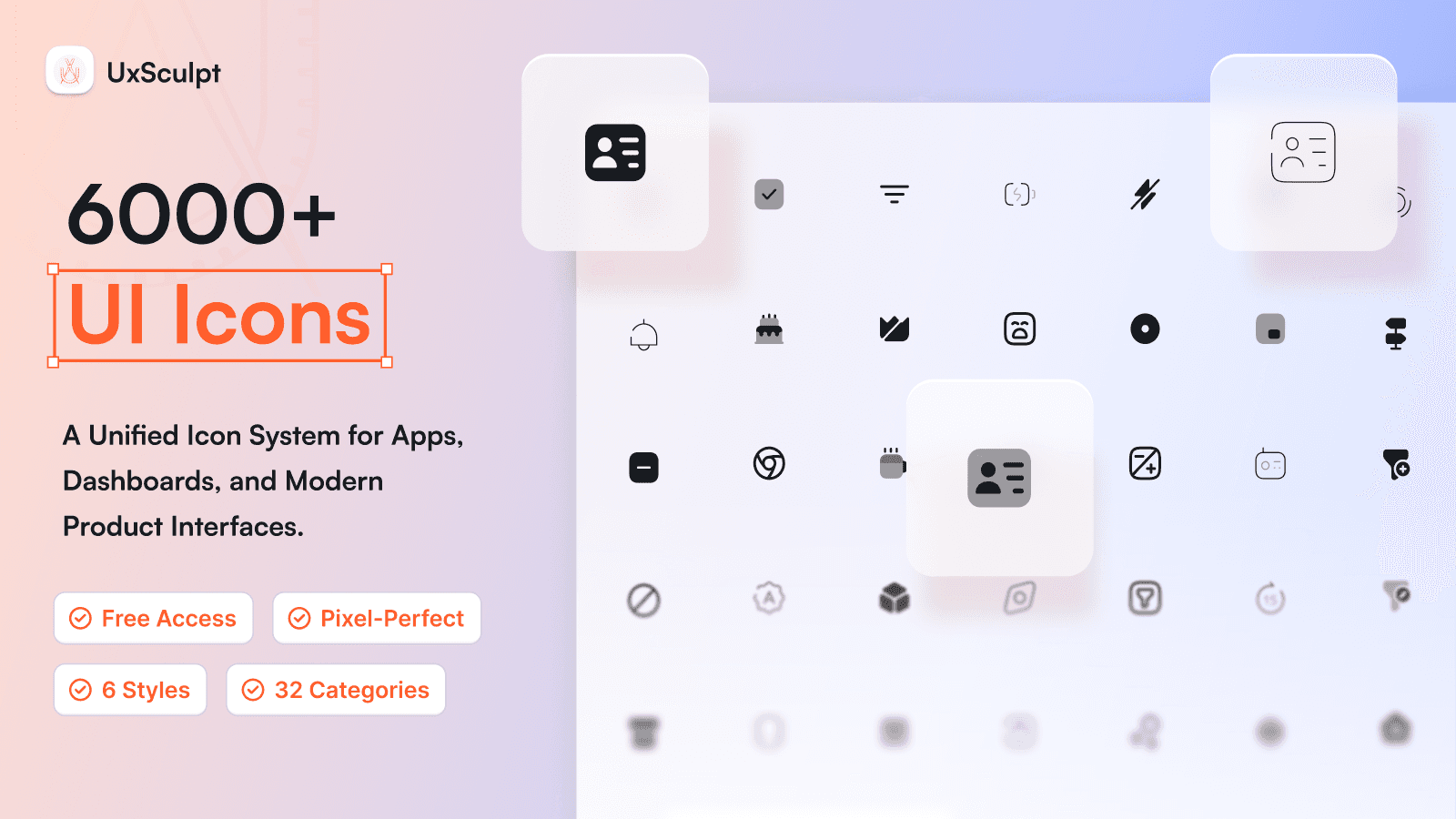
A free, Figma-native UI icon system with 1000+ icons across 32 categories and six consistent styles. Designed for designers and teams who care about clarity, scalability, and clean interfaces.

  • 1000+ unique UI icons

  • 6 consistent visual styles

  • 32 carefully organized categories

  • Pixel-perfect 24px grid

  • Figma components with variants

  • SVG export ready

Not all UI icon libraries are built for real products

Many icon packs look good in isolation but fail at scale. UxSculpt UI Icons are built as a complete, Figma-native system with consistent geometry, predictable sizing, and production-ready structure.
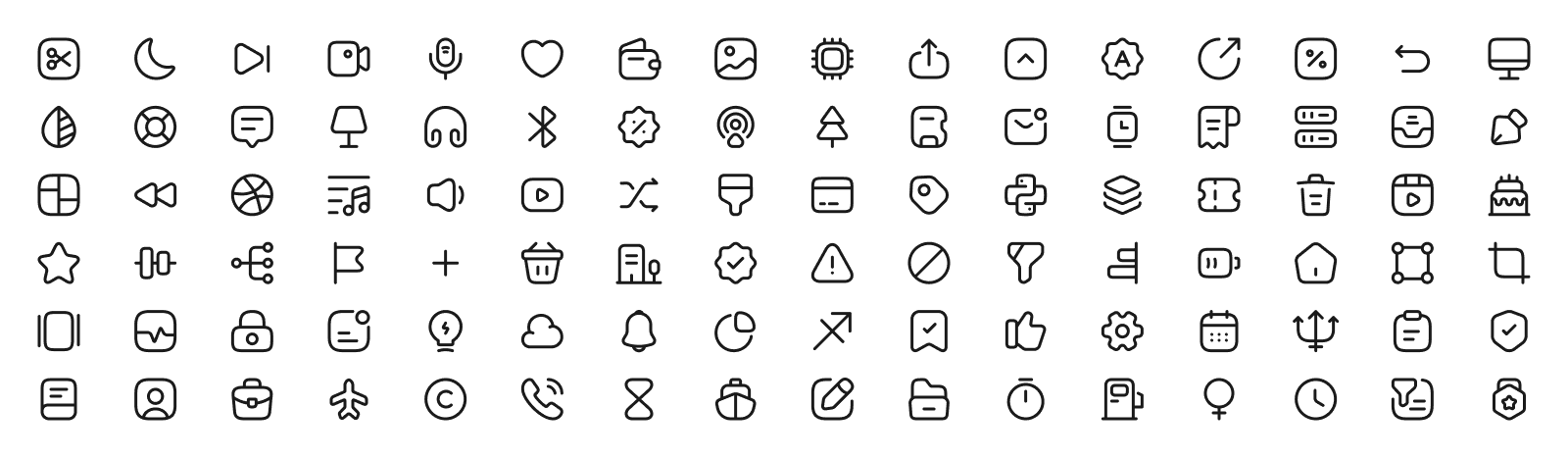
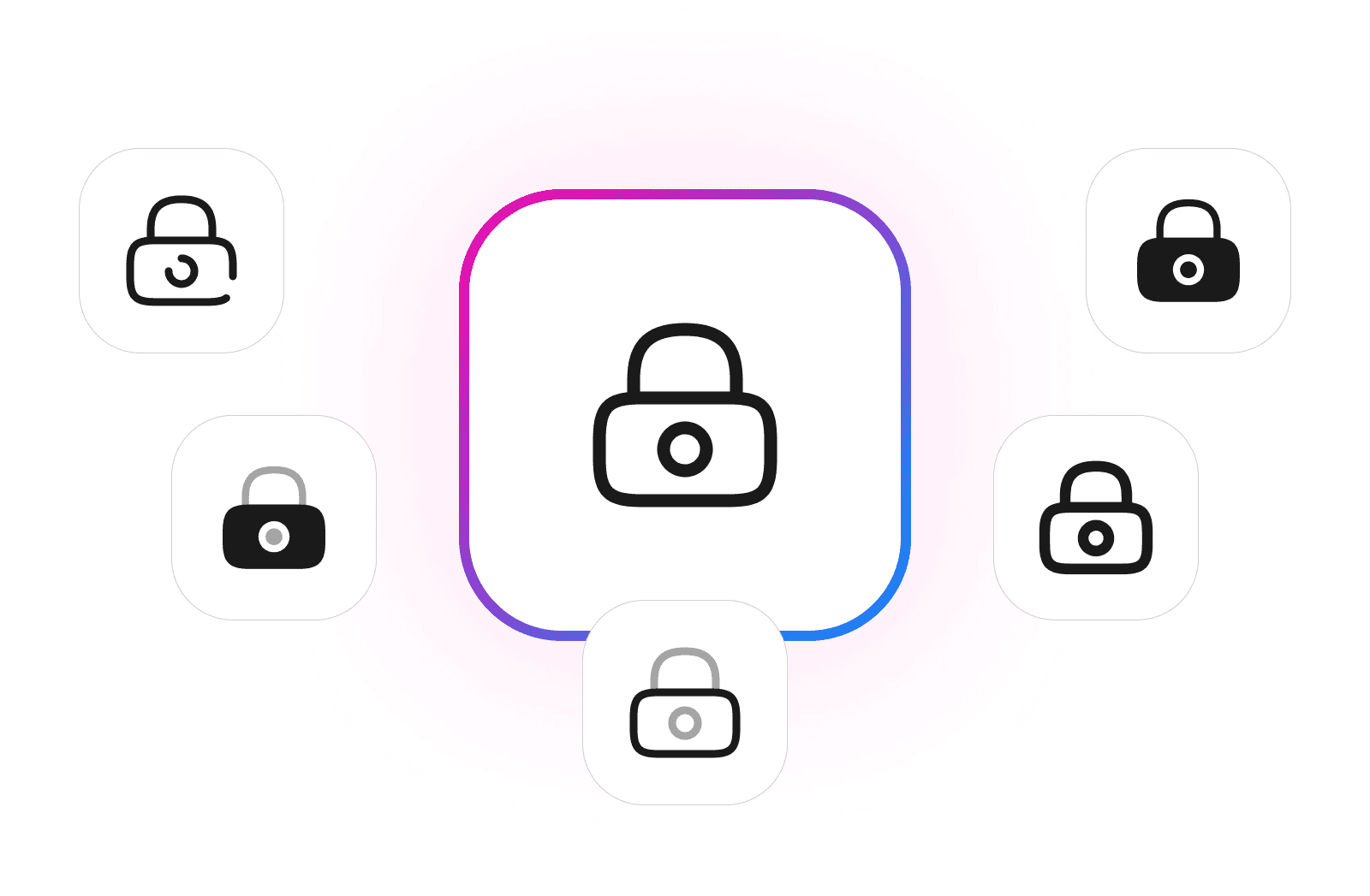
Six visual styles designed on a shared grid system, allowing instant switching without breaking alignment or consistency.

Linear
Solid
Bold
Duo
Soft
Sketch

Six visual styles designed on a shared grid system, allowing instant switching without breaking alignment or consistency.

Linear
Solid
Bold
Duo
Soft
Sketch

Six visual styles designed on a shared grid system, allowing instant switching without breaking alignment or consistency.

Linear
Solid
Bold
Duo
Soft
Sketch

Design faster. Stay consistent across every interface.

The UxSculpt free UI icons library gives you a complete set of icons for modern product design, covering dashboards, SaaS tools, AI products, mobile apps, and internal systems. Every icon is grid-aligned, vector-clean, and ready to use as a Figma component with auto layout and variants.
1000+ UI Icons Across 32 Categories

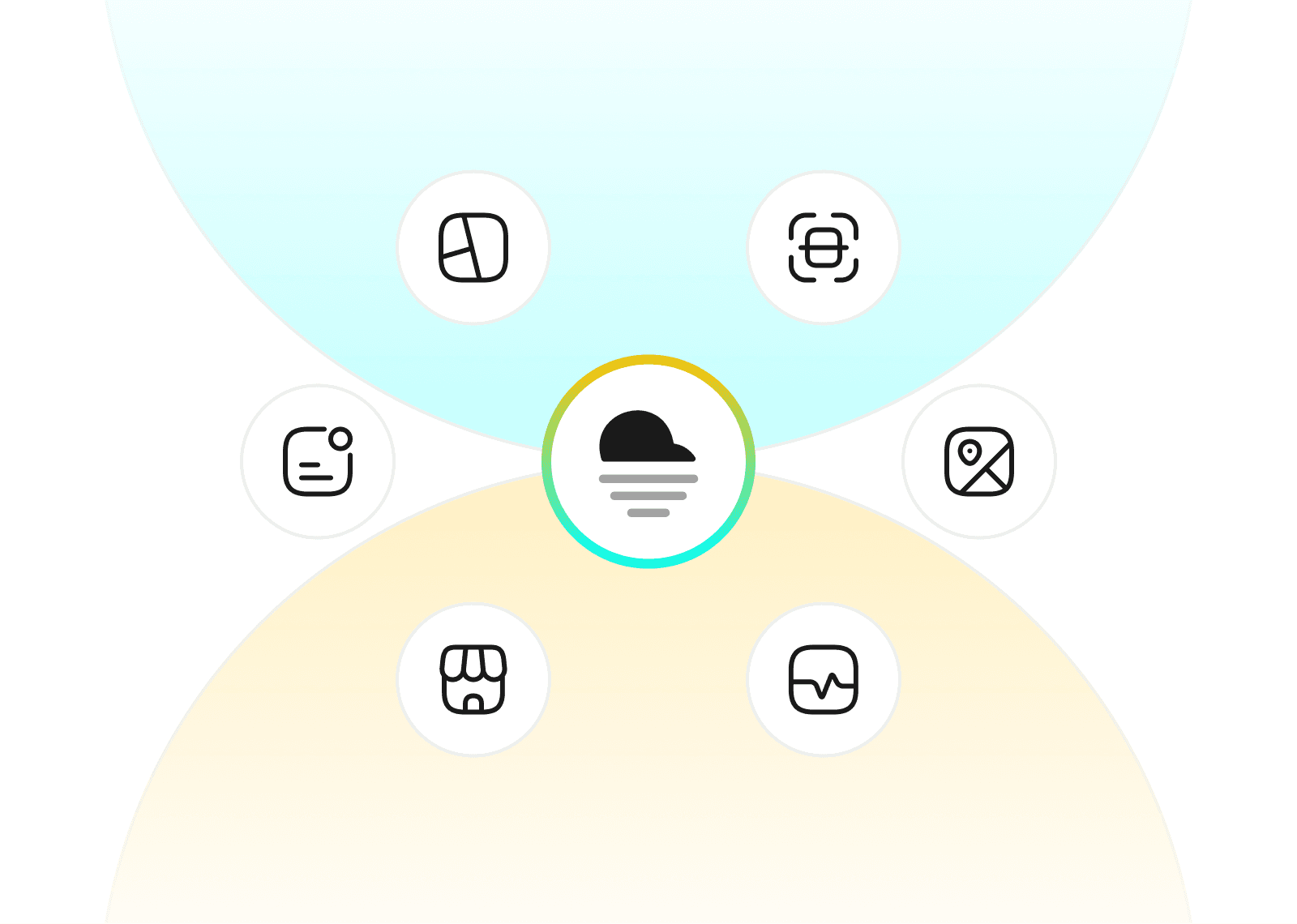
A comprehensive set of UI icons covering essential product needs including navigation, actions, content, forms, system states, finance, media, devices, and more.

Fully Figma-Native Components

Built entirely in Figma using components and variants. Icons are grouped, named, and structured for fast search, easy swapping, and smooth integration into existing files.

Free for Personal and Commercial Use

Use these icons in personal projects, client work, SaaS products, and commercial applications. No subscriptions, no paywalls, no attribution required.

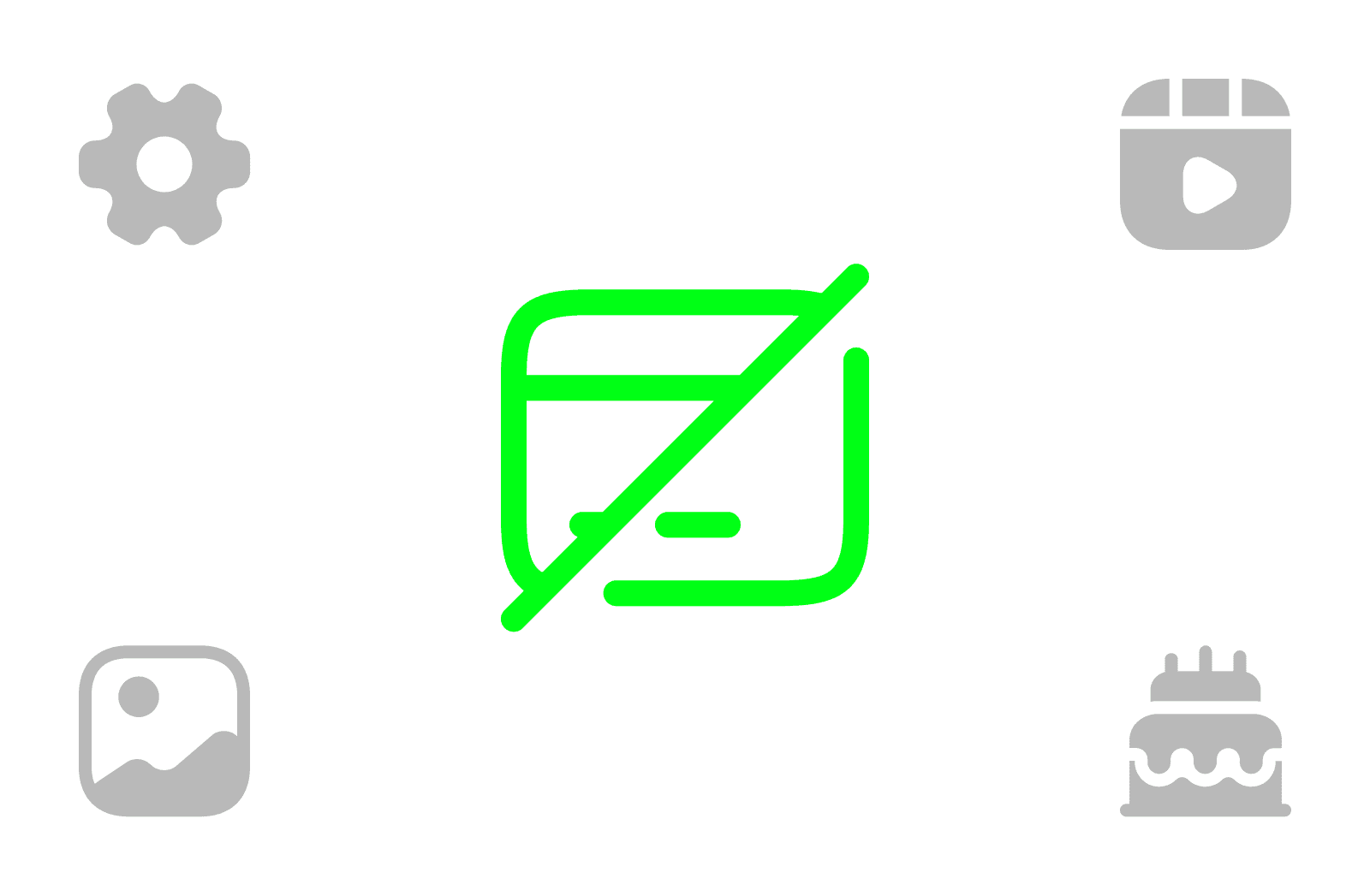
6000+ Icon Variants in Six Styles

Each icon is available in six visual styles: Linear, Solid, Bold, Duo, Soft, and Sketch. All styles share the same grid and proportions, allowing seamless switching without breaking alignment.

SVG-Ready and Developer Friendly

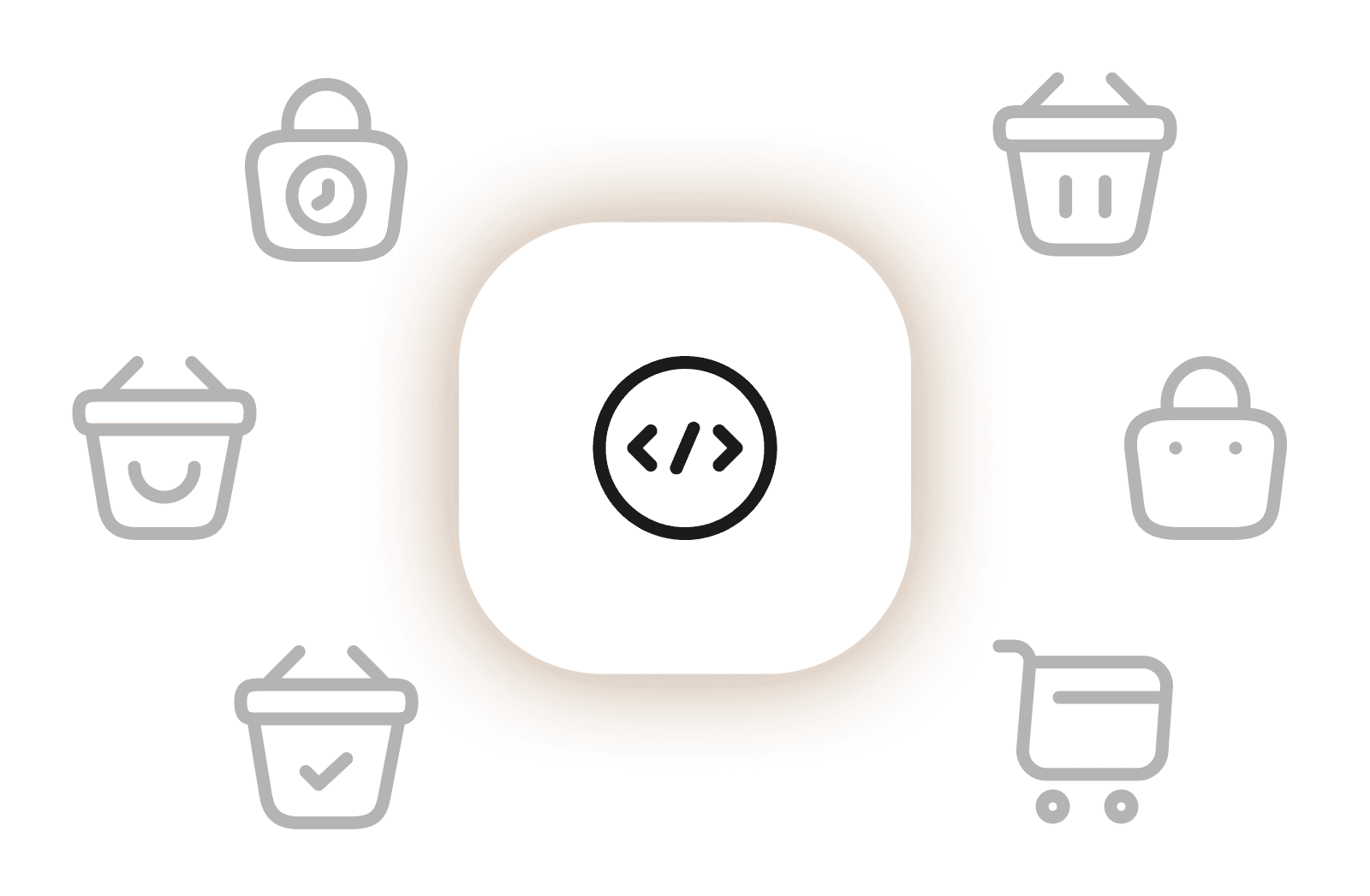
All icons can be exported as clean SVG files optimized for performance and scalability. No unnecessary paths, no raster assets, no cleanup required.

Built for Speed and Consistency

Stop hunting for mismatched icons. Everything is designed as one cohesive system so teams can move faster without visual inconsistencies.

Consistent 24x24 Grid System

Every icon is drawn on a precise 24x24 grid with consistent stroke logic and spacing. This ensures crisp rendering, visual balance, and predictable sizing across interfaces.

Perfectly Organized Categories

Icons are neatly organized into 32 clearly labeled categories, making it easy to browse, and maintain consistency across large projects.

Continuously Maintained

The library evolves over time with new icons, refinements, and category improvements. Your download stays relevant as interfaces change.

1000+ UI Icons Across 32 Categories

A comprehensive set of UI icons covering essential product needs including navigation, actions, content, forms, system states, finance, media, devices, and more.

Fully Figma-Native Components

Built entirely in Figma using components and variants. Icons are grouped, named, and structured for fast search, easy swapping, and smooth integration into existing files.

Free for Personal and Commercial Use

Use these icons in personal projects, client work, SaaS products, and commercial applications. No subscriptions, no paywalls, no attribution required.

6000+ Icon Variants in Six Styles

Each icon is available in six visual styles: Linear, Solid, Bold, Duo, Soft, and Sketch. All styles share the same grid and proportions, allowing seamless switching without breaking alignment.

SVG-Ready and Developer Friendly

All icons can be exported as clean SVG files optimized for performance and scalability. No unnecessary paths, no raster assets, no cleanup required.

Built for Speed and Consistency

Stop hunting for mismatched icons. Everything is designed as one cohesive system so teams can move faster without visual inconsistencies.

Consistent 24x24 Grid System

Every icon is drawn on a precise 24x24 grid with consistent stroke logic and spacing. This ensures crisp rendering, visual balance, and predictable sizing across interfaces.

Perfectly Organized Categories

Icons are neatly organized into 32 clearly labeled categories, making it easy to browse, and maintain consistency across large projects.

Continuously Maintained

The library evolves over time with new icons, refinements, and category improvements. Your download stays relevant as interfaces change.

1000+ UI Icons Across 32 Categories

A comprehensive set of UI icons covering essential product needs including navigation, actions, content, forms, system states, finance, media, devices, and more.

6000+ Icon Variants in Six Styles

Each icon is available in six visual styles: Linear, Solid, Bold, Duo, Soft, and Sketch. All styles share the same grid and proportions, allowing seamless switching without breaking alignment.

Consistent 24x24 Grid System

Every icon is drawn on a precise 24x24 grid with consistent stroke logic and spacing. This ensures crisp rendering, visual balance, and predictable sizing across interfaces.

Fully Figma-Native Components

Built entirely in Figma using components and variants. Icons are grouped, named, and structured for fast search, easy swapping, and smooth integration into existing files.

SVG-Ready and Developer Friendly

All icons can be exported as clean SVG files optimized for performance and scalability. No unnecessary paths, no raster assets, no cleanup required.

Perfectly Organized Categories

Icons are neatly organized into 32 clearly labeled categories, making it easy to browse, and maintain consistency across large projects.

Free for Personal and Commercial Use

Use these icons in personal projects, client work, SaaS products, and commercial applications. No subscriptions, no paywalls, no attribution required.

Built for Speed and Consistency

Stop hunting for mismatched icons. Everything is designed as one cohesive system so teams can move faster without visual inconsistencies.

Continuously Maintained

The library evolves over time with new icons, refinements, and category improvements. Your download stays relevant as interfaces change.

Perfectly Organized Icon Categories

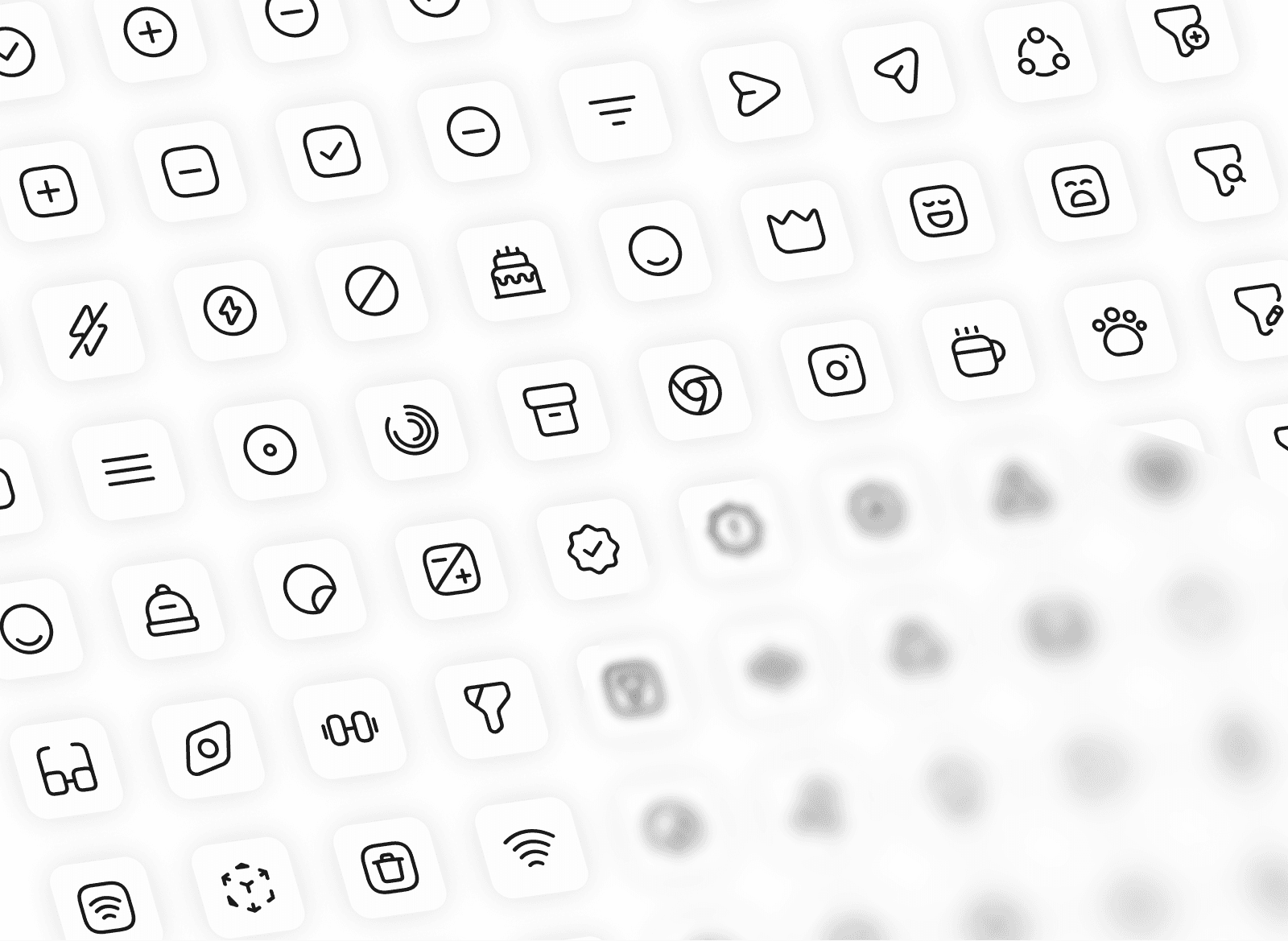
Built for fast browsing and real product work. Every icon is grouped into 32 clearly labeled categories inside Figma, so you can search faster, stay consistent, and scale across dashboards, apps, and design systems.
Trusted by Product Designers Worldwide

Frequently Asked Questions

How are the icons organized?

Icons are neatly grouped into 32 clearly labeled categories inside Figma. Each category lives on its own page, making it easy to browse, search, and maintain consistency across large projects.

How are the icons organized?

Icons are neatly grouped into 32 clearly labeled categories inside Figma. Each category lives on its own page, making it easy to browse, search, and maintain consistency across large projects.

How are the icons organized?

Icons are neatly grouped into 32 clearly labeled categories inside Figma. Each category lives on its own page, making it easy to browse, search, and maintain consistency across large projects.

Is this UI icon set really free?

Yes. The entire UI Icons library is completely free to use. There are no paywalls, no subscriptions, and no hidden upgrades. You can use it for both personal and commercial projects.

Is this UI icon set really free?

Yes. The entire UI Icons library is completely free to use. There are no paywalls, no subscriptions, and no hidden upgrades. You can use it for both personal and commercial projects.

Is this UI icon set really free?

Yes. The entire UI Icons library is completely free to use. There are no paywalls, no subscriptions, and no hidden upgrades. You can use it for both personal and commercial projects.

Can I use these icons in client work or commercial products?

Yes. You are allowed to use the icons in client projects, SaaS products, websites, dashboards, and shipped applications. Redistribution or resale of the icon set itself is not permitted.

Can I use these icons in client work or commercial products?

Yes. You are allowed to use the icons in client projects, SaaS products, websites, dashboards, and shipped applications. Redistribution or resale of the icon set itself is not permitted.

Can I use these icons in client work or commercial products?

Yes. You are allowed to use the icons in client projects, SaaS products, websites, dashboards, and shipped applications. Redistribution or resale of the icon set itself is not permitted.

What design tools are supported?

The icons are built primarily for Figma using components and variants. You can also export icons as SVG files for use in development workflows, web apps, and mobile interfaces.

What design tools are supported?

The icons are built primarily for Figma using components and variants. You can also export icons as SVG files for use in development workflows, web apps, and mobile interfaces.

What design tools are supported?

The icons are built primarily for Figma using components and variants. You can also export icons as SVG files for use in development workflows, web apps, and mobile interfaces.

Will this icon library receive updates?

Yes. The UI Icons library is actively maintained. New icons, refinements, and category additions may be released over time to keep the system relevant for modern interfaces.

Will this icon library receive updates?

Yes. The UI Icons library is actively maintained. New icons, refinements, and category additions may be released over time to keep the system relevant for modern interfaces.

Will this icon library receive updates?

Yes. The UI Icons library is actively maintained. New icons, refinements, and category additions may be released over time to keep the system relevant for modern interfaces.

How are the icons organized?

Icons are neatly grouped into 32 clearly labeled categories inside Figma. Each category lives on its own page, making it easy to browse, search, and maintain consistency across large projects.

How are the icons organized?

Icons are neatly grouped into 32 clearly labeled categories inside Figma. Each category lives on its own page, making it easy to browse, search, and maintain consistency across large projects.

How are the icons organized?

Icons are neatly grouped into 32 clearly labeled categories inside Figma. Each category lives on its own page, making it easy to browse, search, and maintain consistency across large projects.

A Complete UI Icon System. Free.

Join thousands of designers using UxSculpt’s free UI icon system to move faster and stay consistent across products.

Earn 30% on Every Sale

Join the UxSculpt affiliate program and earn up to $150 per sale promoting premium widget and UI kits.

Figma UI mockup
Figma UI mockup
Figma UI mockup
Figma UI mockup
Figma UI mockup
Figma UI mockup
Figma UI mockup
Figma UI mockup
Figma UI mockup
Figma UI mockup
Figma UI mockup
Figma UI mockup
Figma UI mockup
Figma UI mockup
Figma UI mockup
Figma UI mockup
Figma UI mockup
Figma UI mockup
Figma UI mockup
Figma UI mockup
Figma UI mockup
Figma UI mockup
Figma UI mockup
Figma UI mockup
Figma UI mockup
Figma UI mockup
Figma UI mockup
Figma UI mockup
Figma UI mockup
Figma UI mockup
UX Sculpt

UX systems, UI kits, widgets, and logicons built for SaaS, FinTech, and AI teams.

Recognition
UX Sculpt

UX systems, UI kits, widgets, and logicons built for SaaS, FinTech, and AI teams.

Recognition