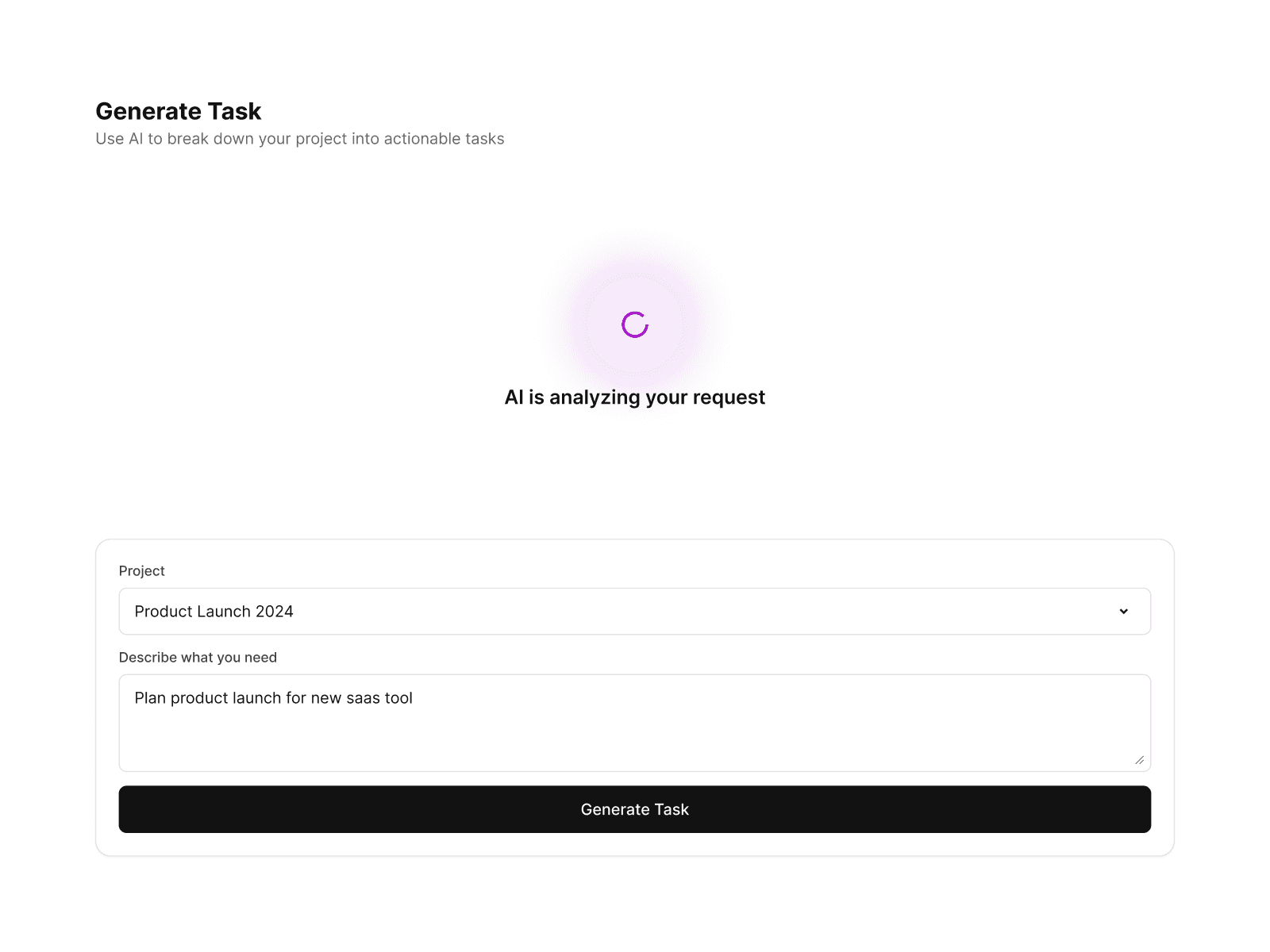
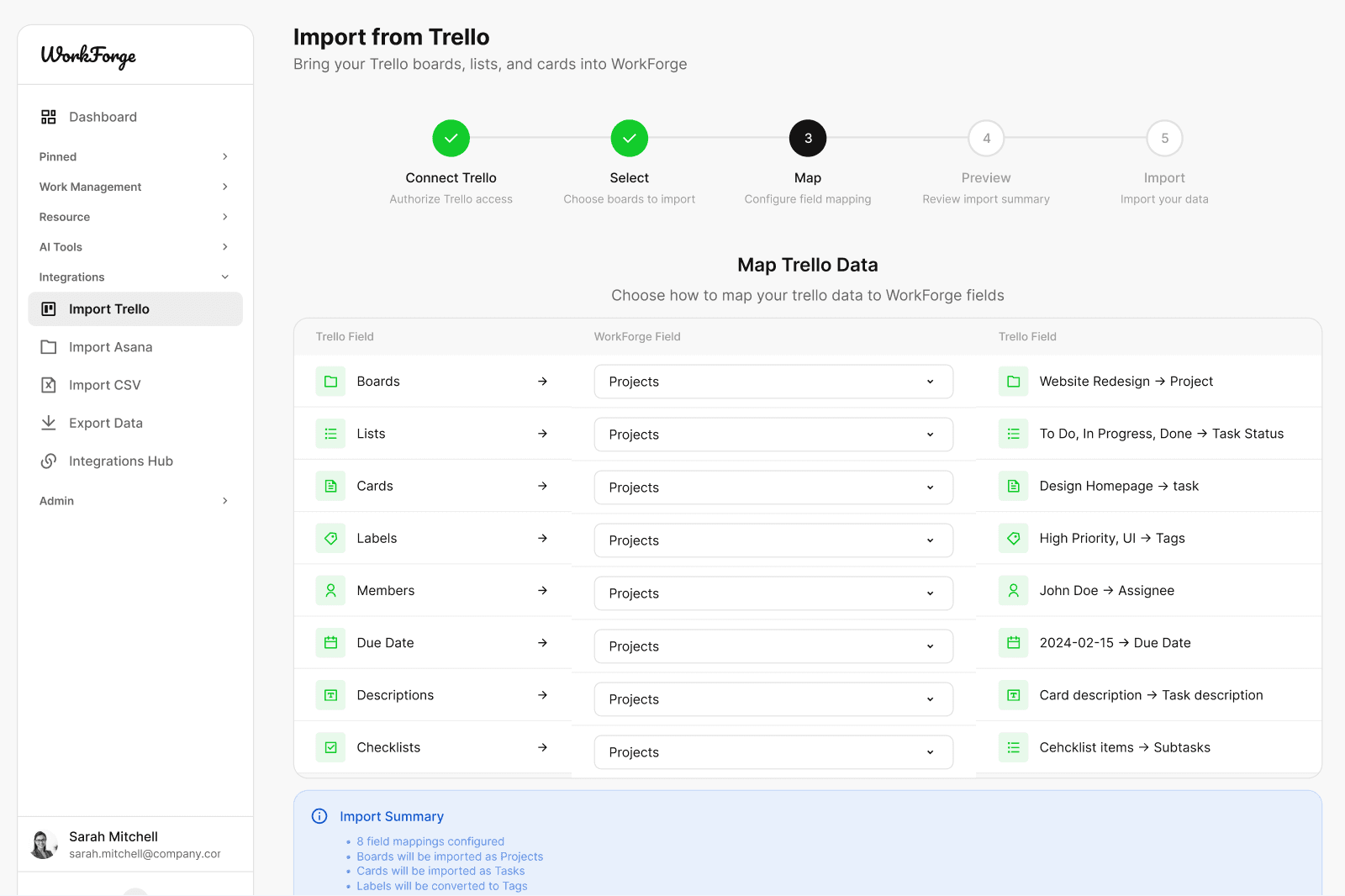
A complete UI foundation for modern SaaS products

Design SaaS Dashboards and Productivity Apps Faster

WorkForge is a comprehensive SaaS UI kit for building dashboards, task management systems, AI-powered tools, client portals, and admin panels. Designed for real products with production-ready components, scalable layouts, and consistent workflows across web and mobile.
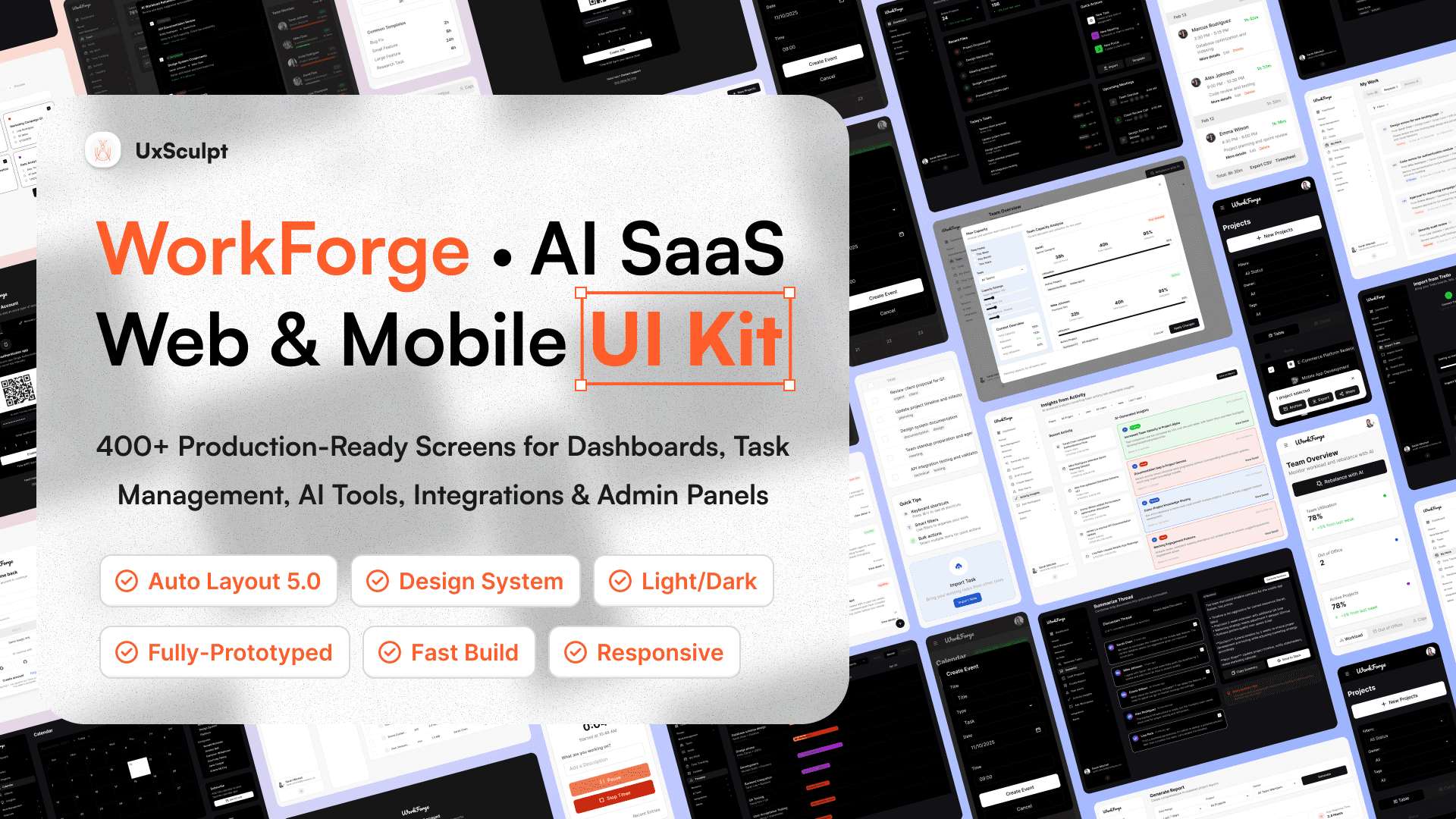
A Complete SaaS Design System to Launch Faster

WorkForge gives teams a structured, scalable design system to build SaaS products with confidence. From dashboards and workflows to AI tools and admin panels, every screen is designed to work together as one cohesive product foundation.

Whether you are building an internal tool, a productivity platform, or a customer-facing SaaS product, WorkForge helps you move from idea to production faster without sacrificing consistency or quality.

Everything a Modern SaaS Product Needs

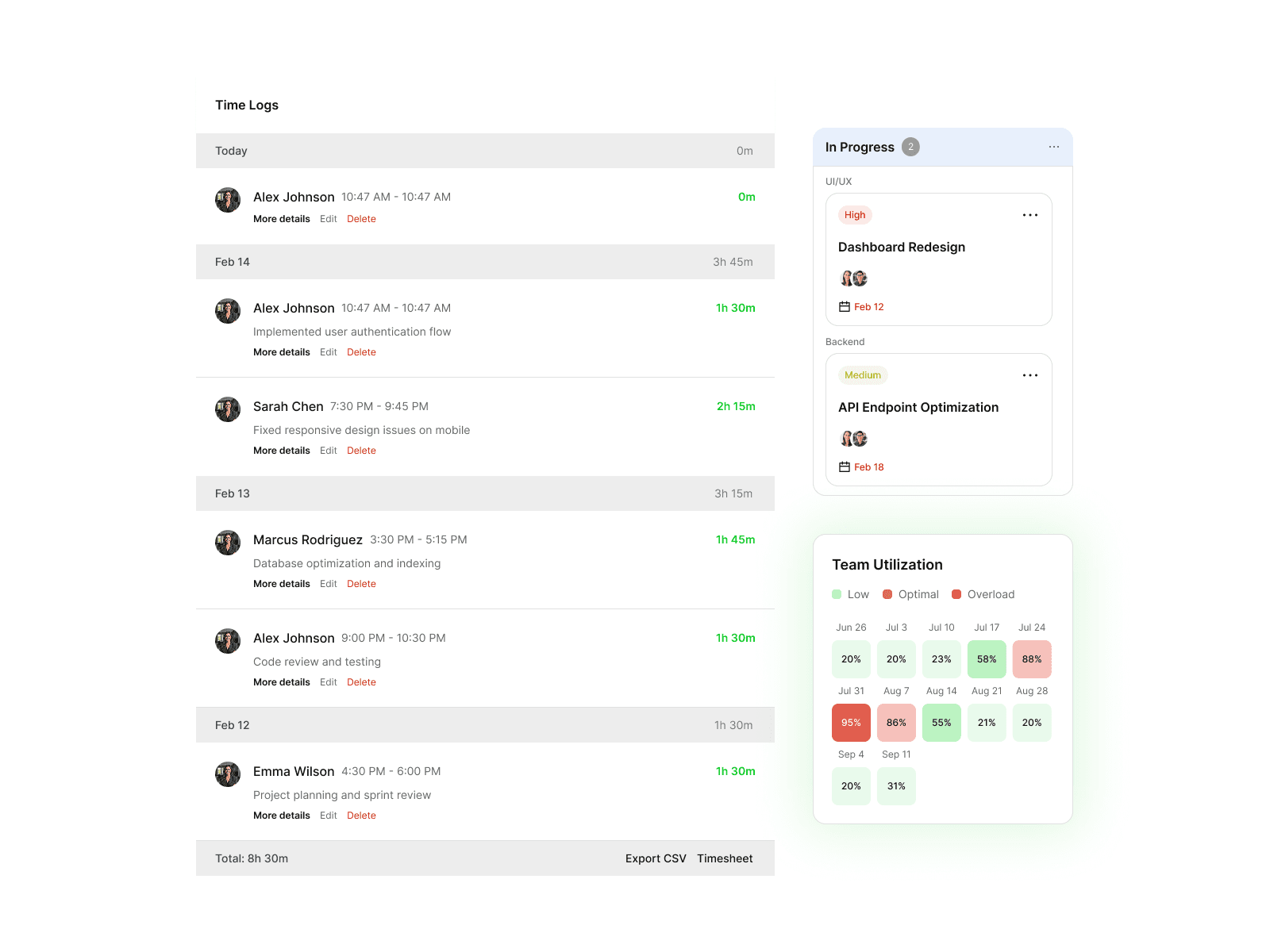
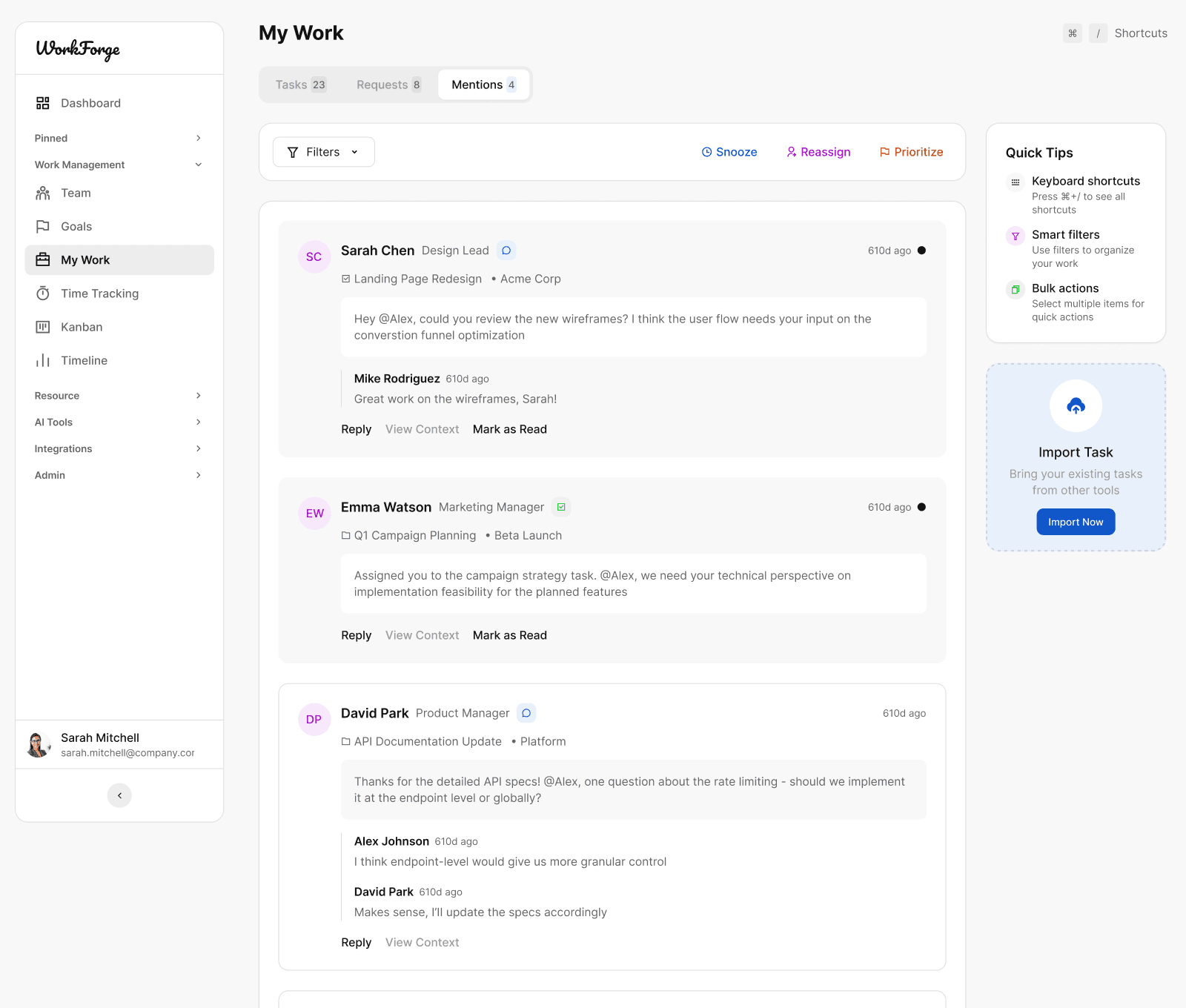
WorkForge includes all core screens required to build real SaaS products from day one. Dashboards, task management, resources, AI tools, integrations, and admin interfaces are designed as one unified system, not isolated templates.

Each screen is production-ready and structured to support complex workflows, real data states, and scalable product growth.
Resize, Reuse, Repeat Instantly

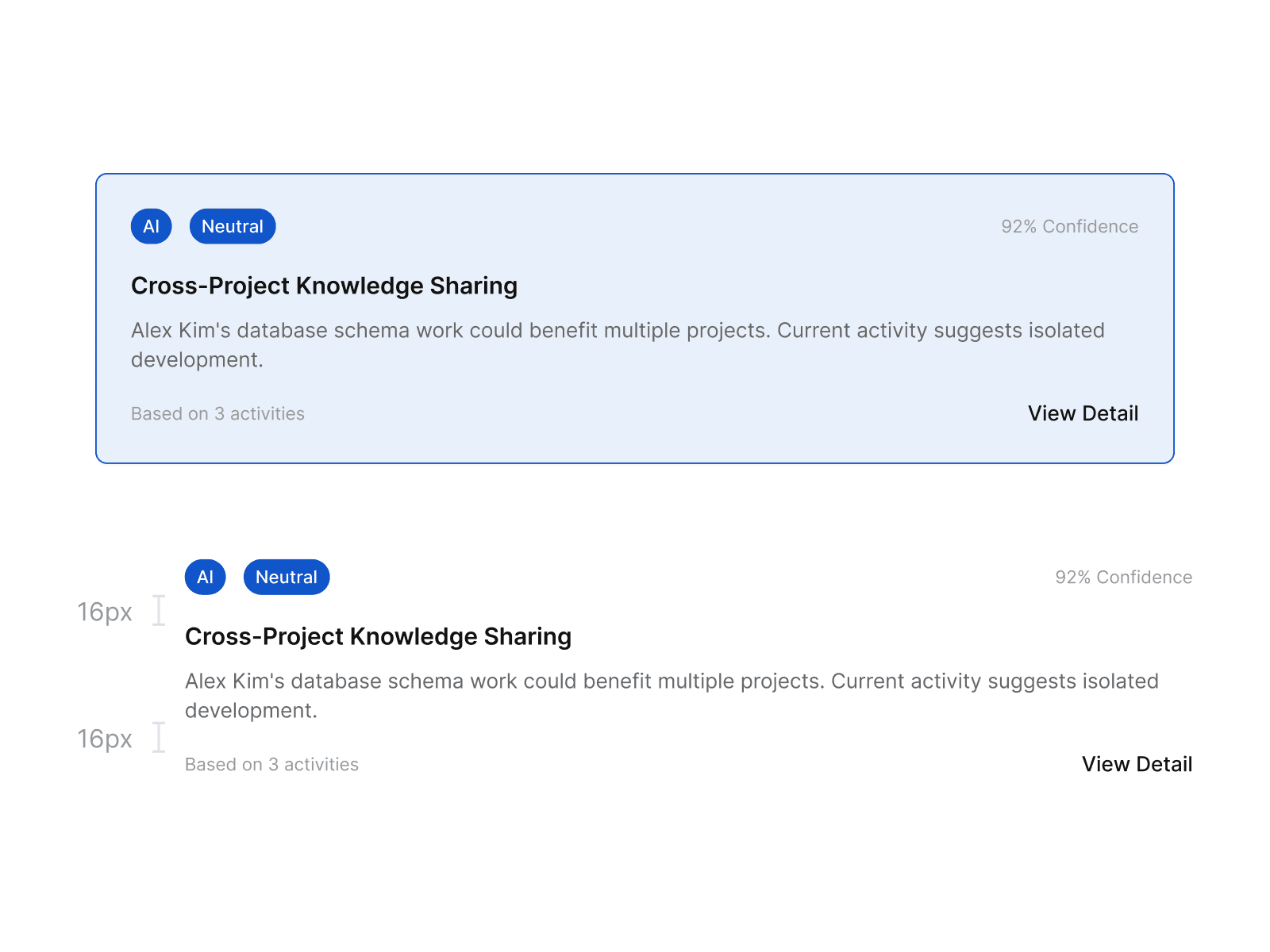
All components and screens are built using Auto Layout and a consistent spacing system. Resize layouts, swap content, and adapt screens without breaking alignment or structure.

This allows teams to iterate faster while keeping the interface clean and predictable across web and mobile products.

Two Modes, One Consistent Experience

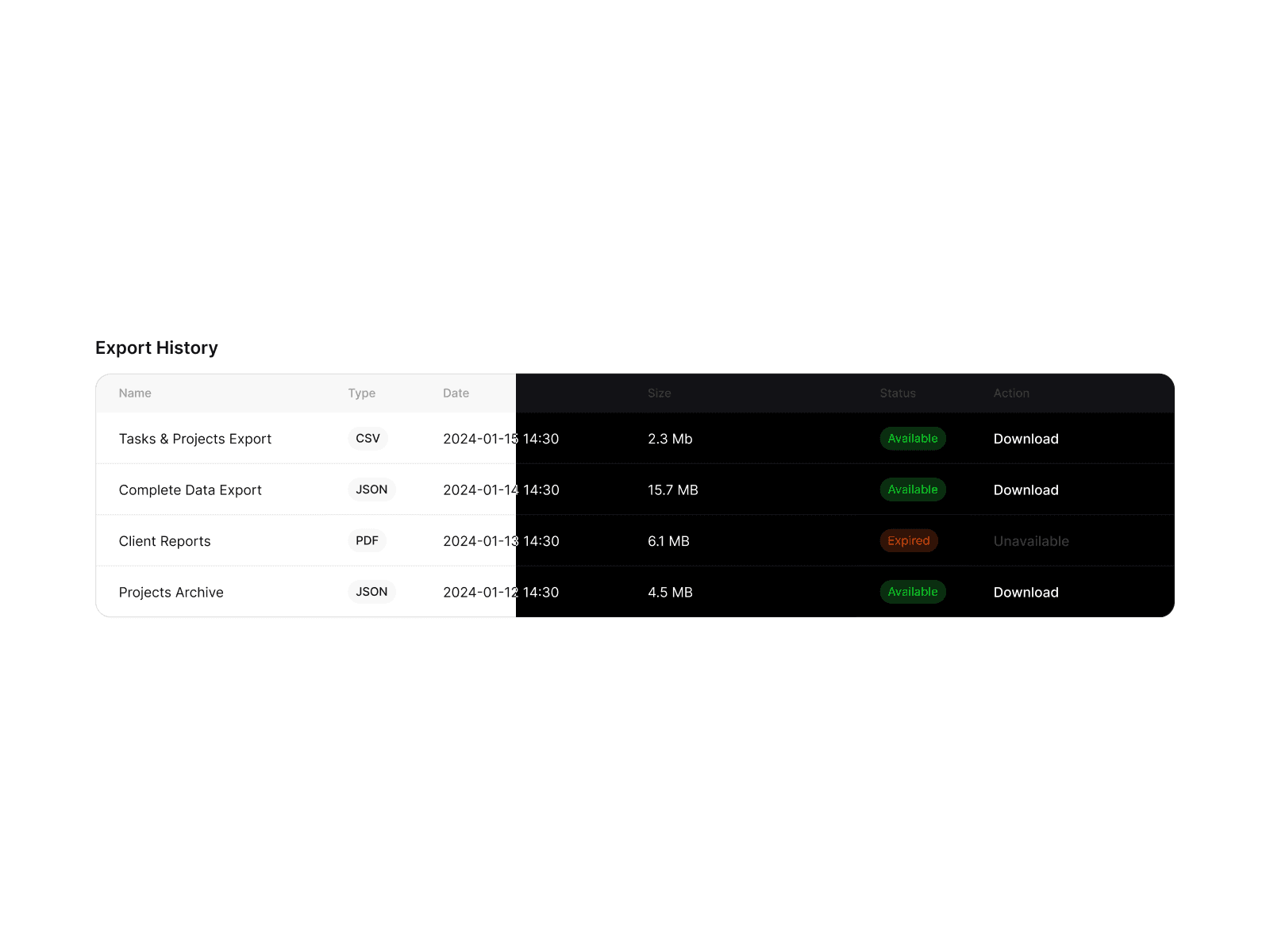
WorkForge includes fully designed light and dark interfaces that follow the same layout logic, hierarchy, and component behavior. Switching themes never compromises readability, spacing, or usability.

Design once and maintain visual consistency across themes without rebuilding screens.
Optimized for Modern SaaS and AI Products

Screens are designed to support real product use cases including analytics, collaboration, AI-driven insights, and admin workflows. Layouts prioritize clarity, data density, and user focus.

This makes WorkForge suitable for internal tools, productivity platforms, and AI-powered SaaS products.

Design Once, Ship Anywhere

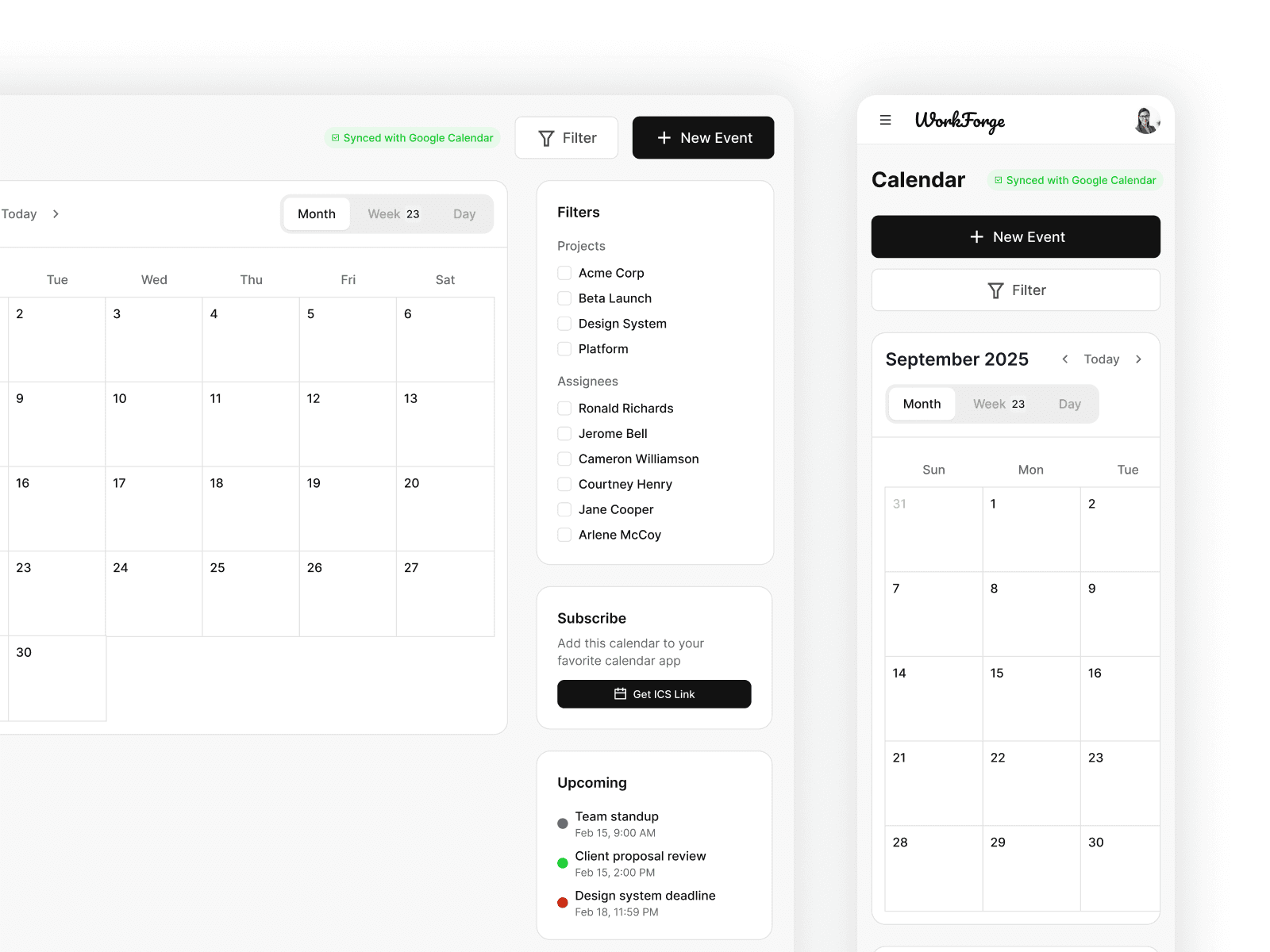
WorkForge is built for teams shipping across platforms. Screens are structured to adapt cleanly to different breakpoints while maintaining hierarchy and usability.

Whether you are designing for web dashboards or mobile workflows, the system scales without redesigning from scratch.
Preview the Kit in Action

Explore real SaaS product flows built with WorkForge. Switch between key product areas to see how screens, layouts, and components work together as
one cohesive system.

Authentication
<iframe style="border: 1px solid rgba(0, 0, 0, 0.1);" width="800" height="450" src="https://embed.figma.com/design/idH0xgCJSdEhfA8XjamyoU/WorkForge-Pro-AI-SaaS-UI-Kit?node-id=1456-6407&embed-host=share" allowfullscreen></iframe>
Authentication
<iframe style="border: 1px solid rgba(0, 0, 0, 0.1);" width="800" height="450" src="https://embed.figma.com/design/idH0xgCJSdEhfA8XjamyoU/WorkForge-Pro-AI-SaaS-UI-Kit?node-id=1456-6407&embed-host=share" allowfullscreen></iframe>
Authentication
<iframe style="border: 1px solid rgba(0, 0, 0, 0.1);" width="800" height="450" src="https://embed.figma.com/design/idH0xgCJSdEhfA8XjamyoU/WorkForge-Pro-AI-SaaS-UI-Kit?node-id=1456-6407&embed-host=share" allowfullscreen></iframe>
Authentication
<iframe style="border: 1px solid rgba(0, 0, 0, 0.1);" width="800" height="450" src="https://embed.figma.com/design/idH0xgCJSdEhfA8XjamyoU/WorkForge-Pro-AI-SaaS-UI-Kit?node-id=1456-6407&embed-host=share" allowfullscreen></iframe>
Dashboard
<iframe style="border: 1px solid rgba(0, 0, 0, 0.1);" width="800" height="450" src="https://embed.figma.com/design/idH0xgCJSdEhfA8XjamyoU/WorkForge-Pro-AI-SaaS-UI-Kit?node-id=1456-13009&embed-host=share" allowfullscreen></iframe>
Dashboard
<iframe style="border: 1px solid rgba(0, 0, 0, 0.1);" width="800" height="450" src="https://embed.figma.com/design/idH0xgCJSdEhfA8XjamyoU/WorkForge-Pro-AI-SaaS-UI-Kit?node-id=1456-13009&embed-host=share" allowfullscreen></iframe>
Dashboard
<iframe style="border: 1px solid rgba(0, 0, 0, 0.1);" width="800" height="450" src="https://embed.figma.com/design/idH0xgCJSdEhfA8XjamyoU/WorkForge-Pro-AI-SaaS-UI-Kit?node-id=1456-13009&embed-host=share" allowfullscreen></iframe>
Dashboard
<iframe style="border: 1px solid rgba(0, 0, 0, 0.1);" width="800" height="450" src="https://embed.figma.com/design/idH0xgCJSdEhfA8XjamyoU/WorkForge-Pro-AI-SaaS-UI-Kit?node-id=1456-13009&embed-host=share" allowfullscreen></iframe>
Pinned Workflows
<iframe style="border: 1px solid rgba(0, 0, 0, 0.1);" width="800" height="450" src="https://embed.figma.com/design/idH0xgCJSdEhfA8XjamyoU/WorkForge-Pro-AI-SaaS-UI-Kit?node-id=1456-30466&embed-host=share" allowfullscreen></iframe>
Pinned Workflows
<iframe style="border: 1px solid rgba(0, 0, 0, 0.1);" width="800" height="450" src="https://embed.figma.com/design/idH0xgCJSdEhfA8XjamyoU/WorkForge-Pro-AI-SaaS-UI-Kit?node-id=1456-30466&embed-host=share" allowfullscreen></iframe>
Pinned Workflows
<iframe style="border: 1px solid rgba(0, 0, 0, 0.1);" width="800" height="450" src="https://embed.figma.com/design/idH0xgCJSdEhfA8XjamyoU/WorkForge-Pro-AI-SaaS-UI-Kit?node-id=1456-30466&embed-host=share" allowfullscreen></iframe>
Pinned Workflows
<iframe style="border: 1px solid rgba(0, 0, 0, 0.1);" width="800" height="450" src="https://embed.figma.com/design/idH0xgCJSdEhfA8XjamyoU/WorkForge-Pro-AI-SaaS-UI-Kit?node-id=1456-30466&embed-host=share" allowfullscreen></iframe>
Work Management
<iframe style="border: 1px solid rgba(0, 0, 0, 0.1);" width="800" height="450" src="https://embed.figma.com/design/idH0xgCJSdEhfA8XjamyoU/WorkForge-Pro-AI-SaaS-UI-Kit?node-id=1456-56113&embed-host=share" allowfullscreen></iframe>
Work Management
<iframe style="border: 1px solid rgba(0, 0, 0, 0.1);" width="800" height="450" src="https://embed.figma.com/design/idH0xgCJSdEhfA8XjamyoU/WorkForge-Pro-AI-SaaS-UI-Kit?node-id=1456-56113&embed-host=share" allowfullscreen></iframe>
Work Management
<iframe style="border: 1px solid rgba(0, 0, 0, 0.1);" width="800" height="450" src="https://embed.figma.com/design/idH0xgCJSdEhfA8XjamyoU/WorkForge-Pro-AI-SaaS-UI-Kit?node-id=1456-56113&embed-host=share" allowfullscreen></iframe>
Work Management
<iframe style="border: 1px solid rgba(0, 0, 0, 0.1);" width="800" height="450" src="https://embed.figma.com/design/idH0xgCJSdEhfA8XjamyoU/WorkForge-Pro-AI-SaaS-UI-Kit?node-id=1456-56113&embed-host=share" allowfullscreen></iframe>
Resources
<iframe style="border: 1px solid rgba(0, 0, 0, 0.1);" width="800" height="450" src="https://embed.figma.com/design/idH0xgCJSdEhfA8XjamyoU/WorkForge-Pro-AI-SaaS-UI-Kit?node-id=1456-82294&embed-host=share" allowfullscreen></iframe>
Resources
<iframe style="border: 1px solid rgba(0, 0, 0, 0.1);" width="800" height="450" src="https://embed.figma.com/design/idH0xgCJSdEhfA8XjamyoU/WorkForge-Pro-AI-SaaS-UI-Kit?node-id=1456-82294&embed-host=share" allowfullscreen></iframe>
Resources
<iframe style="border: 1px solid rgba(0, 0, 0, 0.1);" width="800" height="450" src="https://embed.figma.com/design/idH0xgCJSdEhfA8XjamyoU/WorkForge-Pro-AI-SaaS-UI-Kit?node-id=1456-82294&embed-host=share" allowfullscreen></iframe>
Resources
<iframe style="border: 1px solid rgba(0, 0, 0, 0.1);" width="800" height="450" src="https://embed.figma.com/design/idH0xgCJSdEhfA8XjamyoU/WorkForge-Pro-AI-SaaS-UI-Kit?node-id=1456-82294&embed-host=share" allowfullscreen></iframe>
AI Tools
<iframe style="border: 1px solid rgba(0, 0, 0, 0.1);" width="800" height="450" src="https://embed.figma.com/design/idH0xgCJSdEhfA8XjamyoU/WorkForge-Pro-AI-SaaS-UI-Kit?node-id=1456-84250&embed-host=share" allowfullscreen></iframe>
AI Tools
<iframe style="border: 1px solid rgba(0, 0, 0, 0.1);" width="800" height="450" src="https://embed.figma.com/design/idH0xgCJSdEhfA8XjamyoU/WorkForge-Pro-AI-SaaS-UI-Kit?node-id=1456-84250&embed-host=share" allowfullscreen></iframe>
AI Tools
<iframe style="border: 1px solid rgba(0, 0, 0, 0.1);" width="800" height="450" src="https://embed.figma.com/design/idH0xgCJSdEhfA8XjamyoU/WorkForge-Pro-AI-SaaS-UI-Kit?node-id=1456-84250&embed-host=share" allowfullscreen></iframe>
AI Tools
<iframe style="border: 1px solid rgba(0, 0, 0, 0.1);" width="800" height="450" src="https://embed.figma.com/design/idH0xgCJSdEhfA8XjamyoU/WorkForge-Pro-AI-SaaS-UI-Kit?node-id=1456-84250&embed-host=share" allowfullscreen></iframe>
Integration
<iframe style="border: 1px solid rgba(0, 0, 0, 0.1);" width="800" height="450" src="https://embed.figma.com/design/idH0xgCJSdEhfA8XjamyoU/WorkForge-Pro-AI-SaaS-UI-Kit?node-id=1456-92889&embed-host=share" allowfullscreen></iframe>
Integration
<iframe style="border: 1px solid rgba(0, 0, 0, 0.1);" width="800" height="450" src="https://embed.figma.com/design/idH0xgCJSdEhfA8XjamyoU/WorkForge-Pro-AI-SaaS-UI-Kit?node-id=1456-92889&embed-host=share" allowfullscreen></iframe>
Integration
<iframe style="border: 1px solid rgba(0, 0, 0, 0.1);" width="800" height="450" src="https://embed.figma.com/design/idH0xgCJSdEhfA8XjamyoU/WorkForge-Pro-AI-SaaS-UI-Kit?node-id=1456-92889&embed-host=share" allowfullscreen></iframe>
Integration
<iframe style="border: 1px solid rgba(0, 0, 0, 0.1);" width="800" height="450" src="https://embed.figma.com/design/idH0xgCJSdEhfA8XjamyoU/WorkForge-Pro-AI-SaaS-UI-Kit?node-id=1456-92889&embed-host=share" allowfullscreen></iframe>
Admin Settings
<iframe style="border: 1px solid rgba(0, 0, 0, 0.1);" width="800" height="450" src="https://embed.figma.com/design/idH0xgCJSdEhfA8XjamyoU/WorkForge-Pro-AI-SaaS-UI-Kit?node-id=1456-111808&embed-host=share" allowfullscreen></iframe>
Admin Settings
<iframe style="border: 1px solid rgba(0, 0, 0, 0.1);" width="800" height="450" src="https://embed.figma.com/design/idH0xgCJSdEhfA8XjamyoU/WorkForge-Pro-AI-SaaS-UI-Kit?node-id=1456-111808&embed-host=share" allowfullscreen></iframe>
Admin Settings
<iframe style="border: 1px solid rgba(0, 0, 0, 0.1);" width="800" height="450" src="https://embed.figma.com/design/idH0xgCJSdEhfA8XjamyoU/WorkForge-Pro-AI-SaaS-UI-Kit?node-id=1456-111808&embed-host=share" allowfullscreen></iframe>
Admin Settings
<iframe style="border: 1px solid rgba(0, 0, 0, 0.1);" width="800" height="450" src="https://embed.figma.com/design/idH0xgCJSdEhfA8XjamyoU/WorkForge-Pro-AI-SaaS-UI-Kit?node-id=1456-111808&embed-host=share" allowfullscreen></iframe>
To embed a website or widget, add it to the properties panel.

Simple pricing built for real product work

Pay once. Use forever.
All paid plans include lifetime updates and commercial usage.

Free

$0

Free forever

Explore the system and evaluate WorkForge before upgrading.

Curated selection of WorkForge screens

Web and mobile layouts included

Light and dark mode previews

Core components and layouts

Free license for personal and evaluation use

Most Popular

Buy Pro Solo

$99

one-time payment

Complete WorkForge library for individual builders.

400+ production ready SaaS screens

Dashboards, Workflows, AI tools, Admin Panels

Web and Mobile layouts

Web and Light and dark themes layouts

Complete Figma design system

Commercial license for one product

Lifetime updates included

Pro Team

$199

one-time payment

Built for teams, agencies, and shared design systems.

Everything included in Pro Solo

Licensed for team collaboration

Unlimited commercial products and client work

Internal design system usage

Priority updates and long-term support

Note: Free version includes 20 widgets in light mode only. Pro & Team include full library, variables, and dark mode.

What Founders & Designers Are Saying

Frequently Asked Questions

Is WorkForge suitable for real production products or just prototypes?

WorkForge is designed for real SaaS products, not just demos. Screens account for realistic data density, edge cases, empty states, and scalable layouts. Many teams use it as a foundation for production design systems and development handoff.

Is WorkForge suitable for real production products or just prototypes?

WorkForge is designed for real SaaS products, not just demos. Screens account for realistic data density, edge cases, empty states, and scalable layouts. Many teams use it as a foundation for production design systems and development handoff.

Is WorkForge suitable for real production products or just prototypes?

WorkForge is designed for real SaaS products, not just demos. Screens account for realistic data density, edge cases, empty states, and scalable layouts. Many teams use it as a foundation for production design systems and development handoff.

Is WorkForge suitable for real production products or just prototypes?

WorkForge is designed for real SaaS products, not just demos. Screens account for realistic data density, edge cases, empty states, and scalable layouts. Many teams use it as a foundation for production design systems and development handoff.

How customizable is the kit for different product ideas?

All screens are built with reusable components and structured layouts, making customization straightforward. You can adjust branding, layouts, components, and flows without breaking consistency across the system.

How customizable is the kit for different product ideas?

All screens are built with reusable components and structured layouts, making customization straightforward. You can adjust branding, layouts, components, and flows without breaking consistency across the system.

How customizable is the kit for different product ideas?

All screens are built with reusable components and structured layouts, making customization straightforward. You can adjust branding, layouts, components, and flows without breaking consistency across the system.

How customizable is the kit for different product ideas?

All screens are built with reusable components and structured layouts, making customization straightforward. You can adjust branding, layouts, components, and flows without breaking consistency across the system.

Does this work for both internal tools and customer-facing products?

Yes. WorkForge includes screens for internal dashboards, admin panels, and operational tools, as well as customer-facing workflows like client portals, task views, and analytics. You can use it for one or both without reworking the structure.

Does this work for both internal tools and customer-facing products?

Yes. WorkForge includes screens for internal dashboards, admin panels, and operational tools, as well as customer-facing workflows like client portals, task views, and analytics. You can use it for one or both without reworking the structure.

Does this work for both internal tools and customer-facing products?

Yes. WorkForge includes screens for internal dashboards, admin panels, and operational tools, as well as customer-facing workflows like client portals, task views, and analytics. You can use it for one or both without reworking the structure.

Does this work for both internal tools and customer-facing products?

Yes. WorkForge includes screens for internal dashboards, admin panels, and operational tools, as well as customer-facing workflows like client portals, task views, and analytics. You can use it for one or both without reworking the structure.

What makes WorkForge different from other SaaS UI kits?

WorkForge is built as a cohesive product system rather than a collection of disconnected screens. Dashboards, workflows, AI tools, and admin areas share the same logic, spacing, and components, which reduces redesign and inconsistency as your product grows.

What makes WorkForge different from other SaaS UI kits?

WorkForge is built as a cohesive product system rather than a collection of disconnected screens. Dashboards, workflows, AI tools, and admin areas share the same logic, spacing, and components, which reduces redesign and inconsistency as your product grows.

What makes WorkForge different from other SaaS UI kits?

WorkForge is built as a cohesive product system rather than a collection of disconnected screens. Dashboards, workflows, AI tools, and admin areas share the same logic, spacing, and components, which reduces redesign and inconsistency as your product grows.

What makes WorkForge different from other SaaS UI kits?

WorkForge is built as a cohesive product system rather than a collection of disconnected screens. Dashboards, workflows, AI tools, and admin areas share the same logic, spacing, and components, which reduces redesign and inconsistency as your product grows.

Can developers work with this easily after design is finalized?

Yes. The layouts and components are structured to support clean handoff. Consistent spacing, naming, and component reuse make it easier for developers to translate designs into code without reinterpreting layouts.

Can developers work with this easily after design is finalized?

Yes. The layouts and components are structured to support clean handoff. Consistent spacing, naming, and component reuse make it easier for developers to translate designs into code without reinterpreting layouts.

Can developers work with this easily after design is finalized?

Yes. The layouts and components are structured to support clean handoff. Consistent spacing, naming, and component reuse make it easier for developers to translate designs into code without reinterpreting layouts.

Can developers work with this easily after design is finalized?

Yes. The layouts and components are structured to support clean handoff. Consistent spacing, naming, and component reuse make it easier for developers to translate designs into code without reinterpreting layouts.

How often is the kit updated and what happens after purchase?

All paid plans include lifetime updates. New screens, improvements, and refinements are added over time, and you receive access without additional fees or subscriptions.

How often is the kit updated and what happens after purchase?

All paid plans include lifetime updates. New screens, improvements, and refinements are added over time, and you receive access without additional fees or subscriptions.

How often is the kit updated and what happens after purchase?

All paid plans include lifetime updates. New screens, improvements, and refinements are added over time, and you receive access without additional fees or subscriptions.

How often is the kit updated and what happens after purchase?

All paid plans include lifetime updates. New screens, improvements, and refinements are added over time, and you receive access without additional fees or subscriptions.

Can I use WorkForge for client projects or multiple products?

Pro Solo allows commercial use for one product. Pro Team is designed for agencies and teams working on multiple products or client projects and supports shared internal design systems.

Can I use WorkForge for client projects or multiple products?

Pro Solo allows commercial use for one product. Pro Team is designed for agencies and teams working on multiple products or client projects and supports shared internal design systems.

Can I use WorkForge for client projects or multiple products?

Pro Solo allows commercial use for one product. Pro Team is designed for agencies and teams working on multiple products or client projects and supports shared internal design systems.

Can I use WorkForge for client projects or multiple products?

Pro Solo allows commercial use for one product. Pro Team is designed for agencies and teams working on multiple products or client projects and supports shared internal design systems.

Does it work with Figma Free plan?

Yes, but variables require Figma Professional for full functionality.

Does it work with Figma Free plan?

Yes, but variables require Figma Professional for full functionality.

Does it work with Figma Free plan?

Yes, but variables require Figma Professional for full functionality.

Does it work with Figma Free plan?

Yes, but variables require Figma Professional for full functionality.

Explore More from UxSculpt

Expand your toolkit with our premium design systems and icon packs.
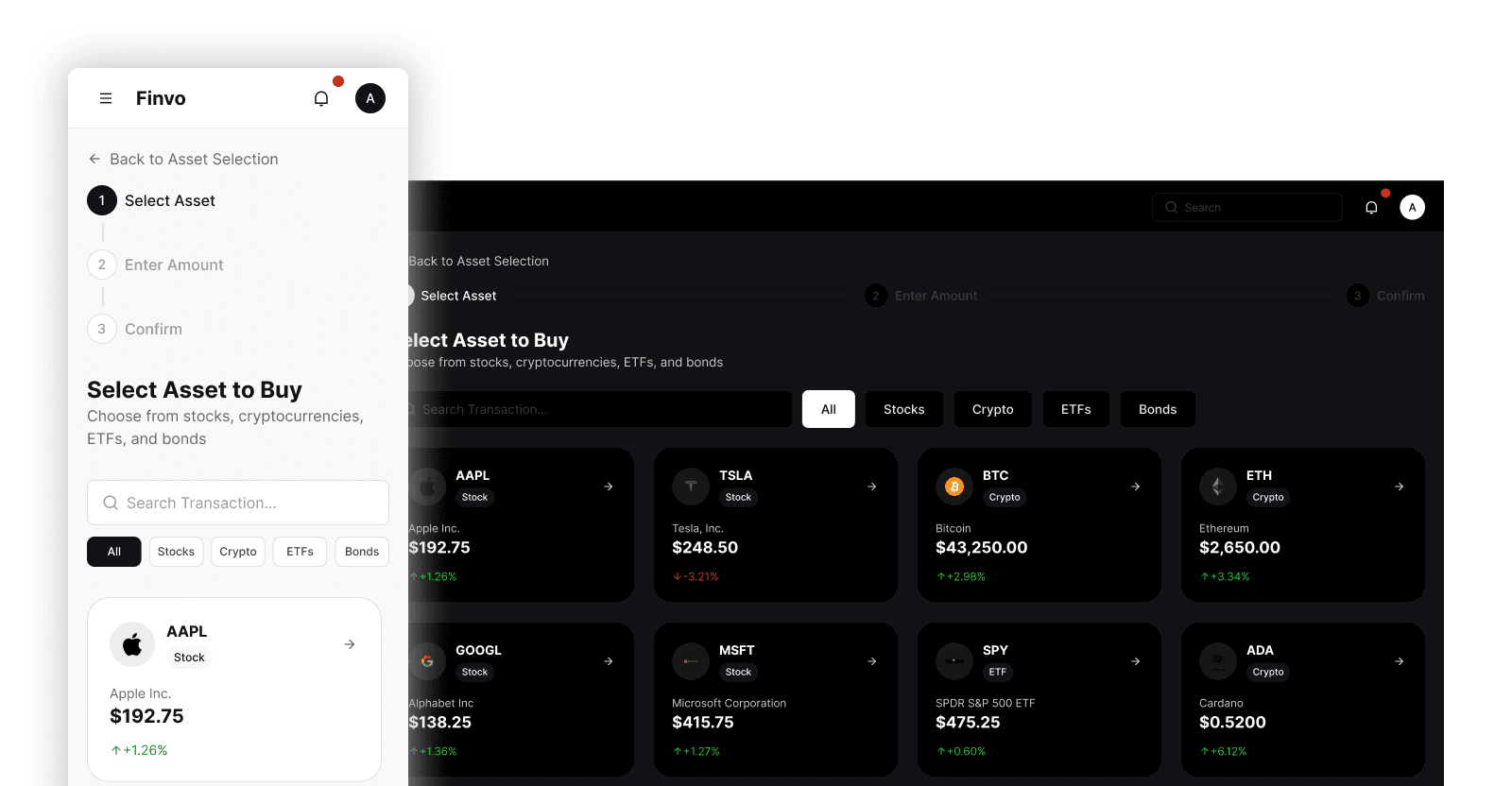
Fintech UI Kit

600+ dashboard screens for modern finance apps.
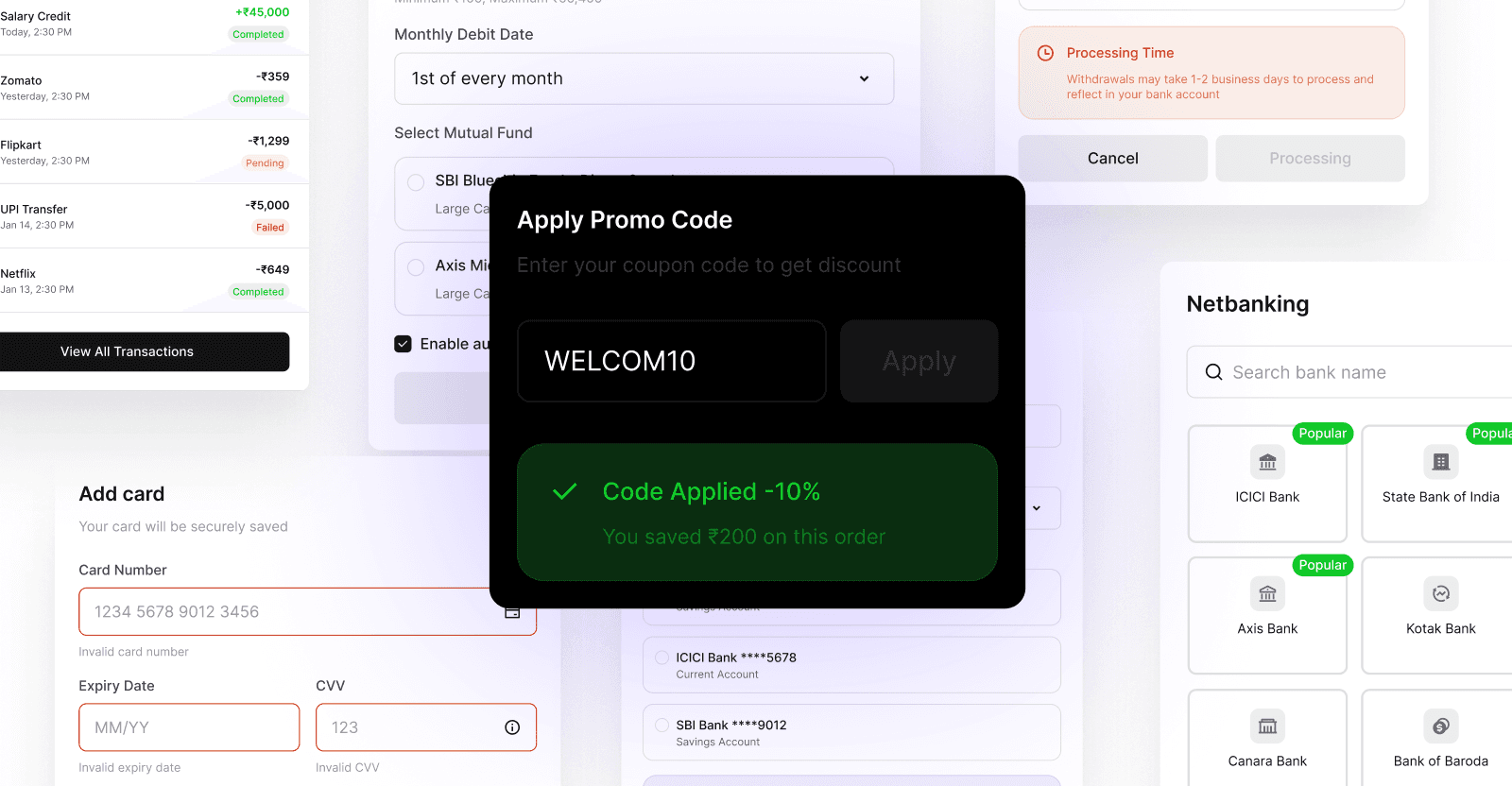
Fintech Widgets Pack

240+ plug-and-play fintech components
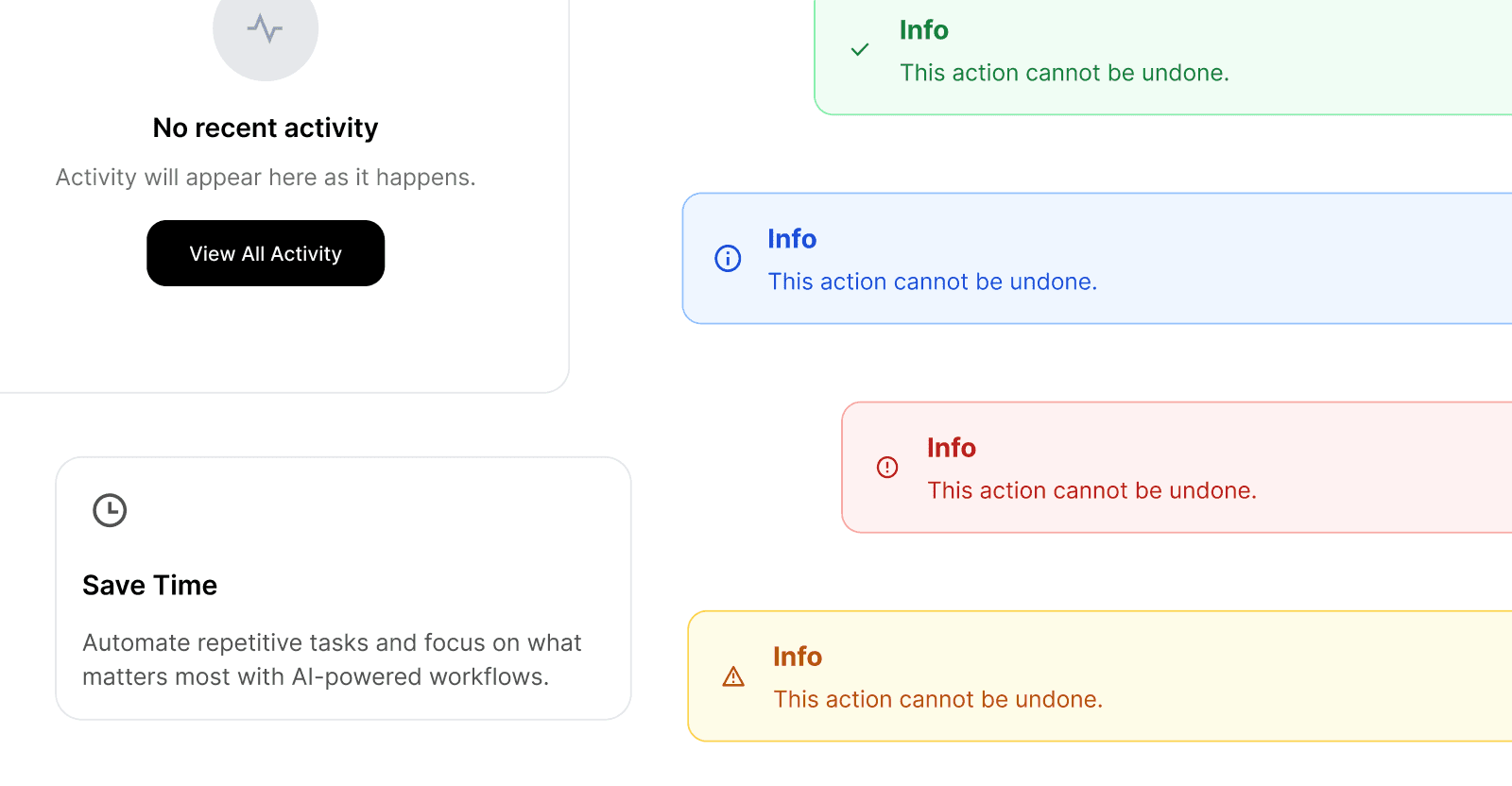
AI SaaS Widgets & Components

70+ reusable SaaS components
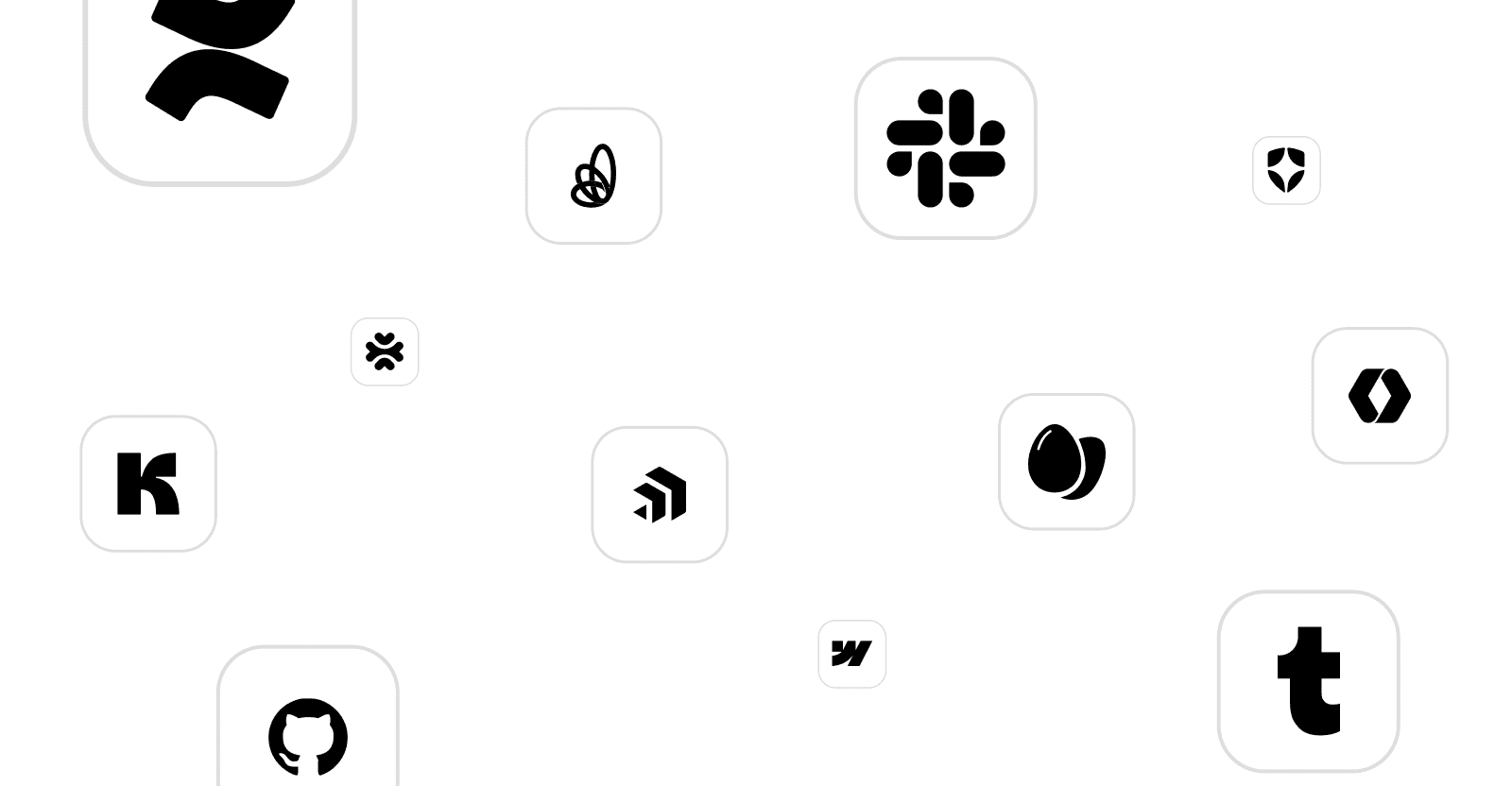
Tech Brand Logicons

500+ modern brand logos and icons.
Earn 30% on Every Sale

Join our affiliate program and earn up to $150 per sale promoting UxSculpt design kits. Perfect for YouTubers, content creators, and Figma educators.

UX Sculpt

UX systems, UI kits, widgets, and logicons built for SaaS, FinTech, and AI teams.

Recognition
UX Sculpt

UX systems, UI kits, widgets, and logicons built for SaaS, FinTech, and AI teams.

Recognition